Search Tennessee entity names on the SOS business filing system to determine name availability for a new company. The database contains all active and inactive entities, although new names only need to be distinguishable from active, reserved, and registered names. The SOS must still approve a name based on statutory requirements before it can be registered.
Business Entity Search
1. Navigate to the Entity Search Platform
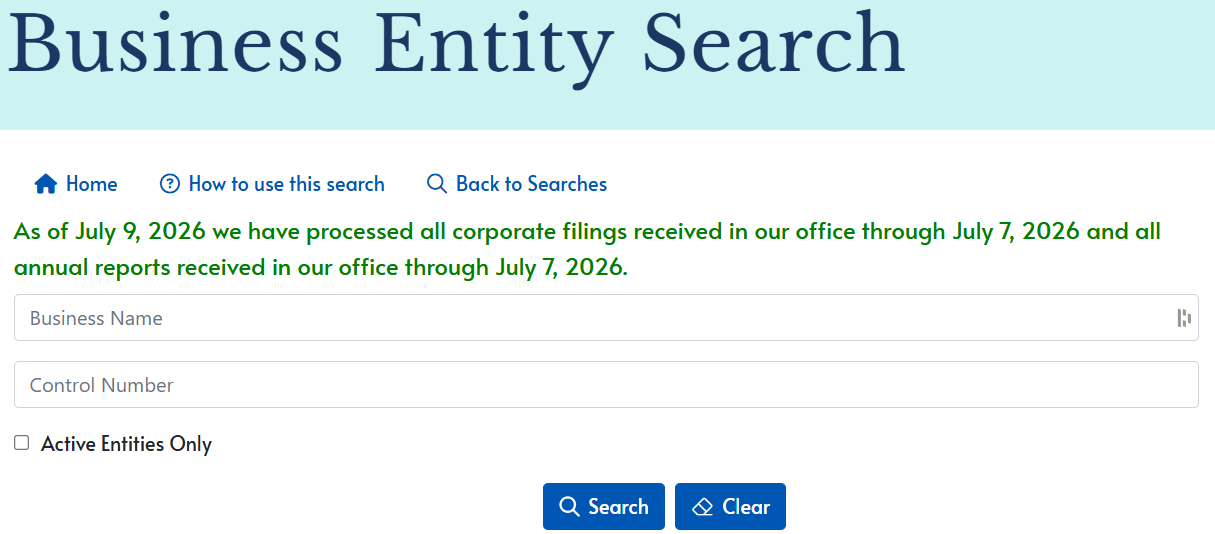
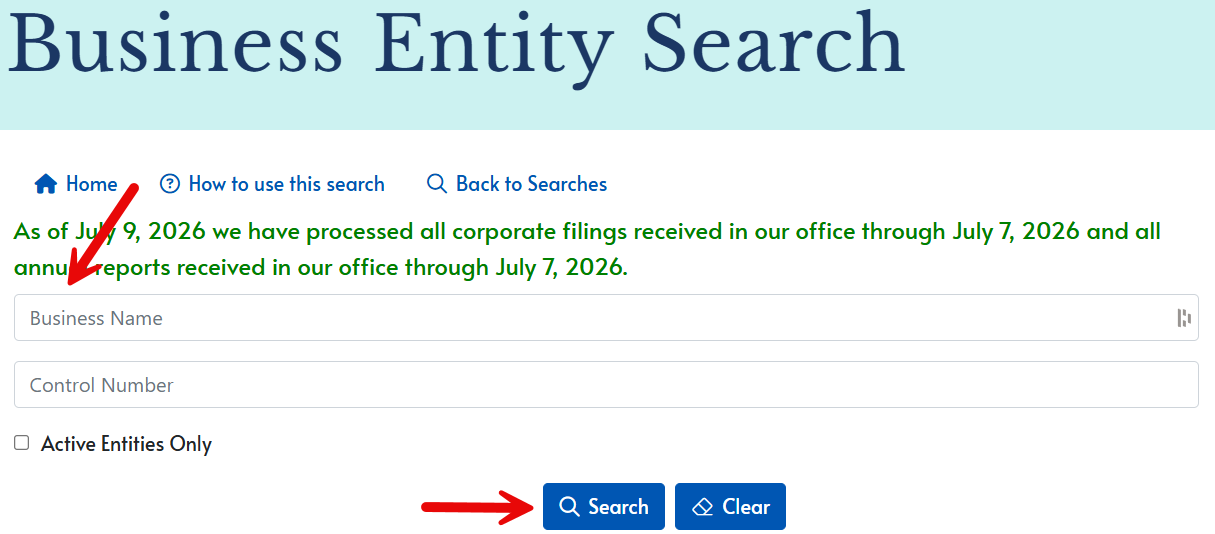
2. Enter a Business Name
To determine whether a business name is available or to look through all Tennessee entities that contain a specific keyword, enter the name/keyword into the Business Name field and click Search.
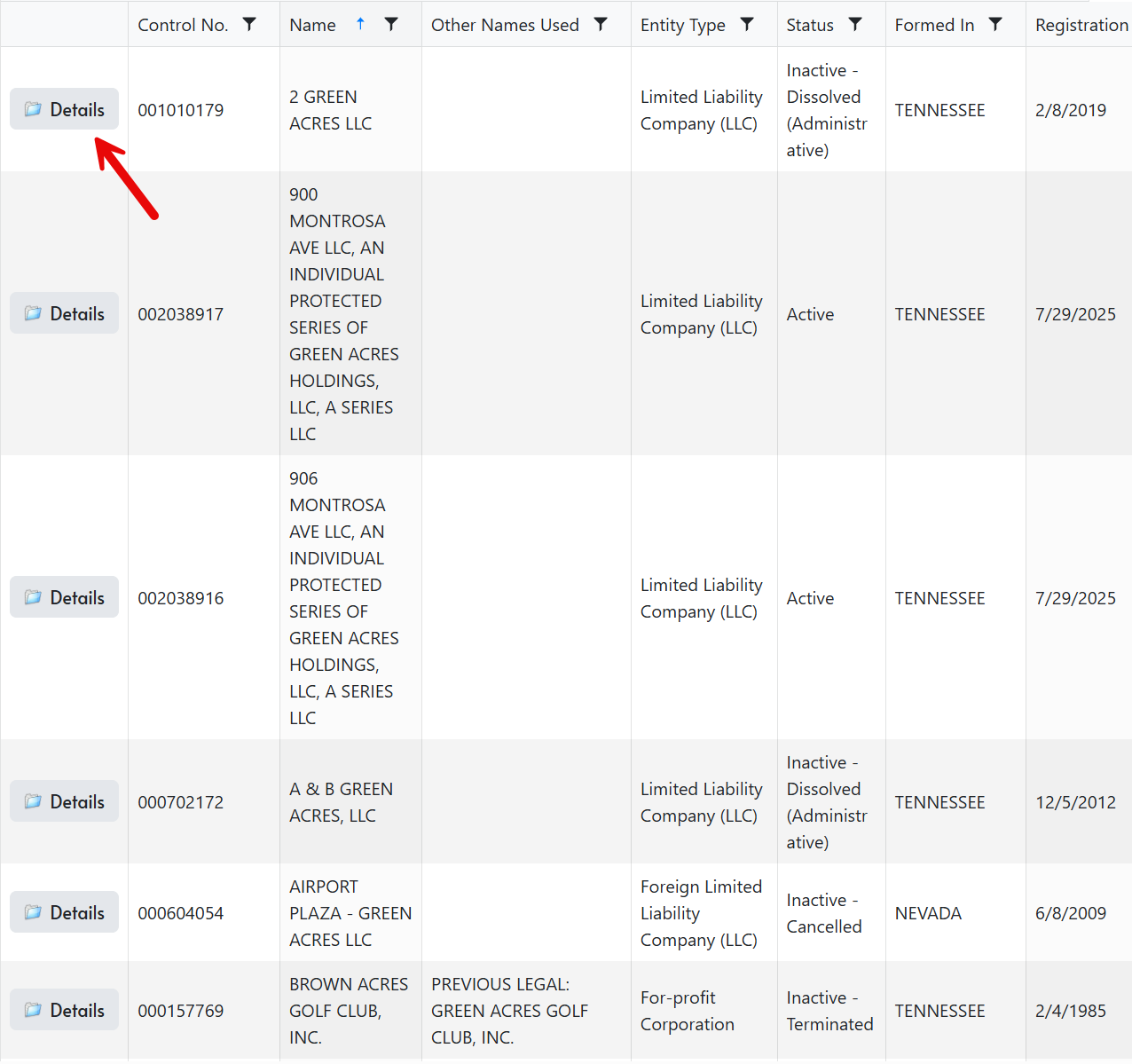
3. View Results
Results: A list of entity names that match the keywords entered into the search field will appear in alphabetical order. The control number, type, status, formation jurisdiction, and registration date of each business is also provided. Click on the Details link to view additional company info.
No Results: If the search criteria yields no results, the disclaimer No Records Available will be displayed (see image). This does not guarantee the name will be approved by the SOS when registering the new entity, but it is does increase the likelihood of availability.
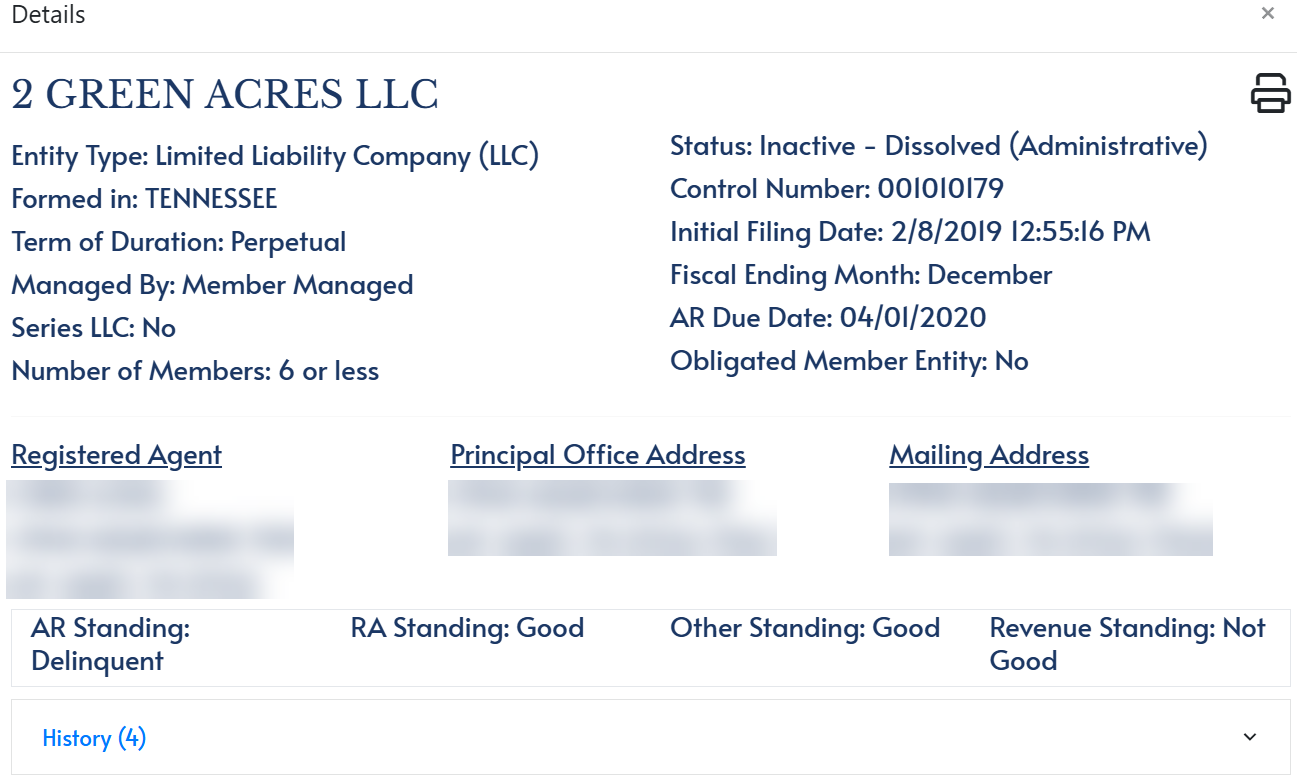
4. Inspect Entity Details
Upon clicking the Details button next to an entity name, the following company information will be displayed:
- Name
- Type
- Formation jurisdiction
- Term of duration
- Type of management
- Type of LLC (if applicable)
- No. of members (if applicable)
- Status
- Control number
- Initial filing date
- Fiscal ending month
- Annual report due date
- OME (if applicable)
- Reg. agent info
- Principal address
- Mailing address
- Compliance status
- Filing history