Search the Kentucky Secretary of State database for business entity information or to determine whether a desired company name will be accepted upon registration. The entity search can be used to research publicly-available business info, while name availability tool checks whether a chosen name conflicts with one already in use.
Business Entity Search
1. Go to the Business Entity Search Page
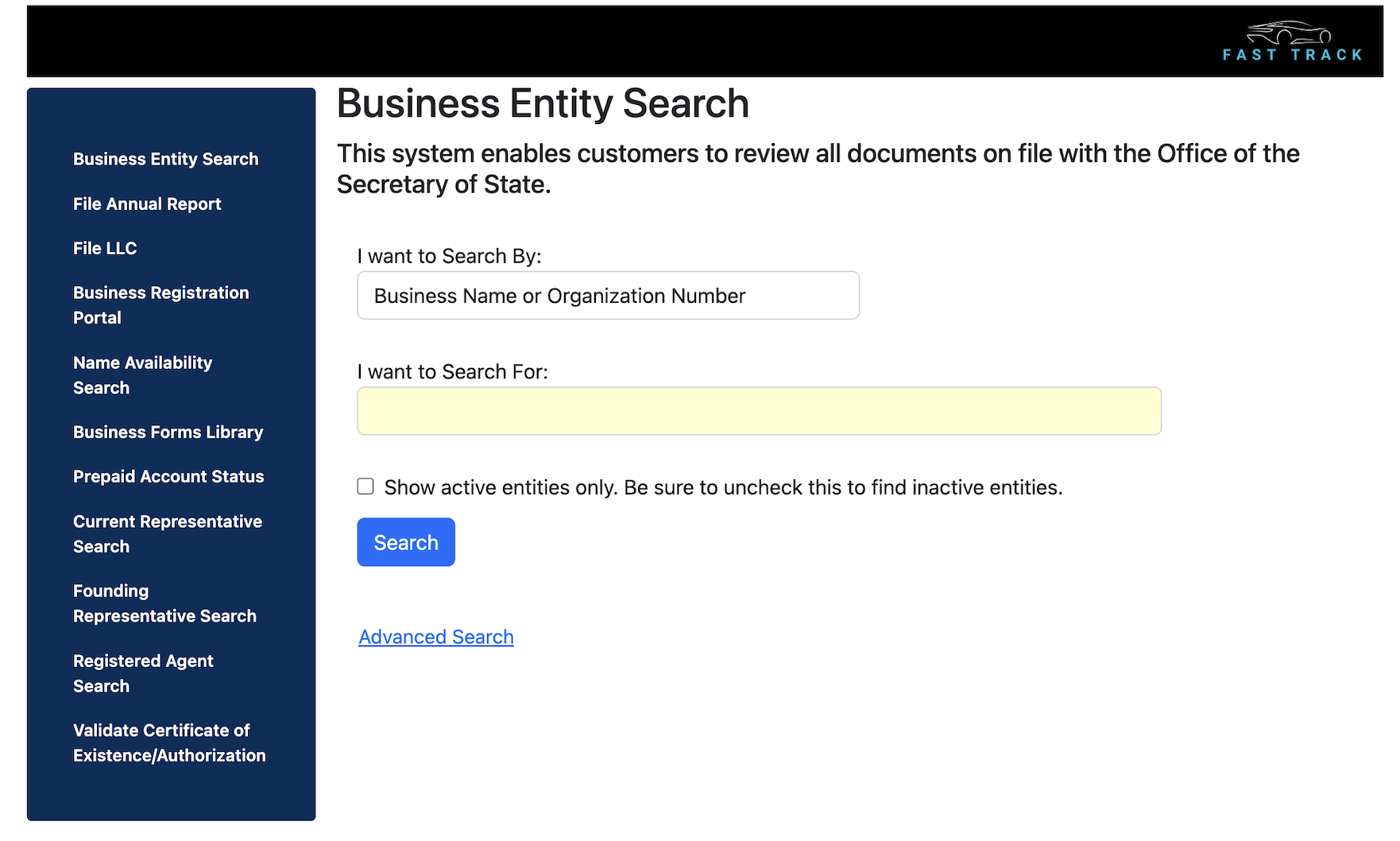
2. Fill in Search Field
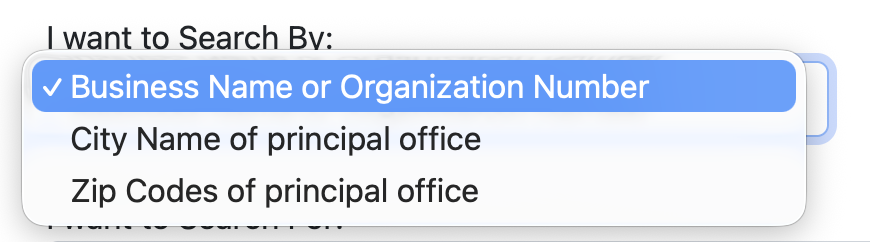
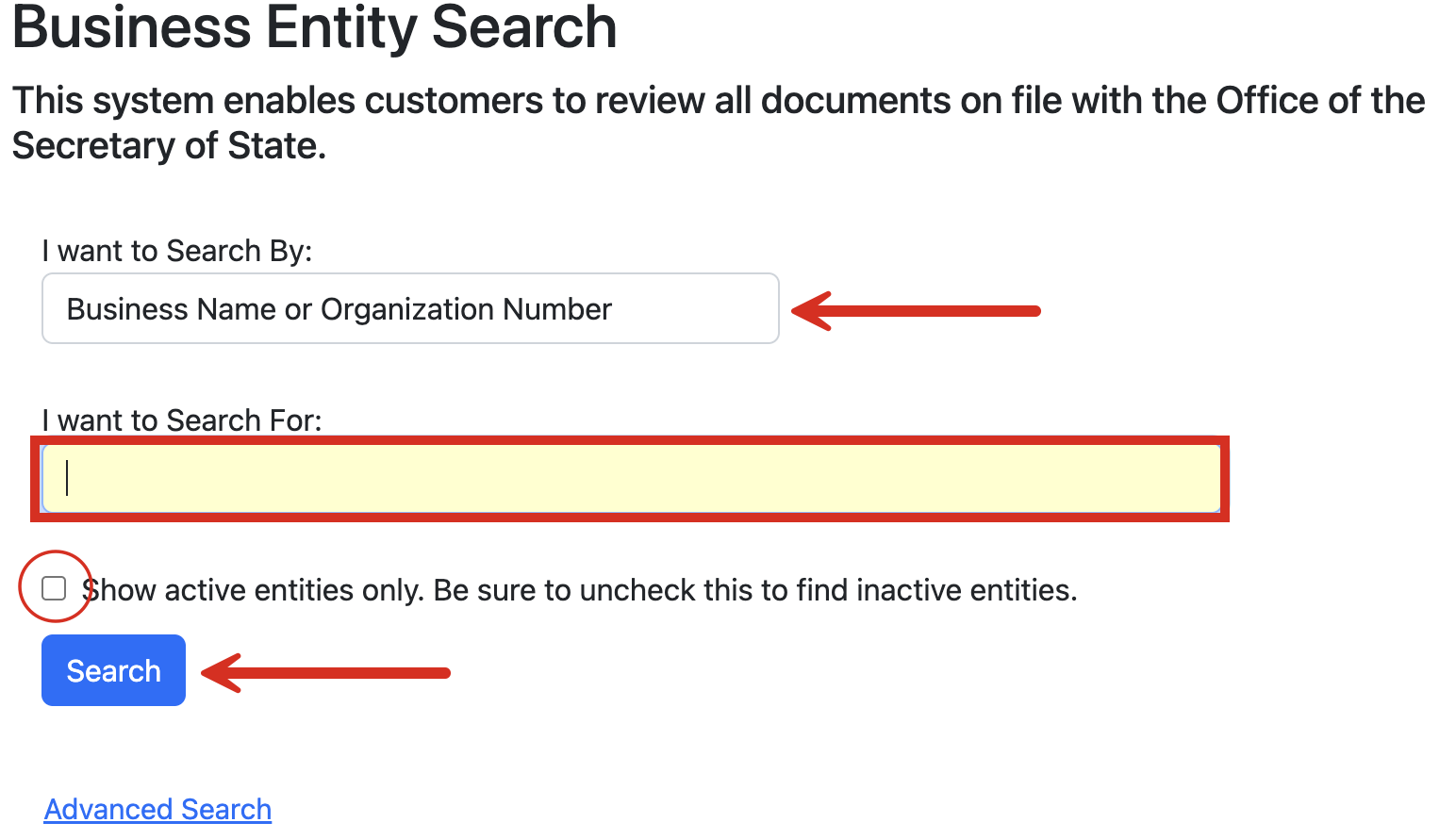
On the homepage, click the box under I want to Search By to choose how the search will be performed (see options). Next, enter the business name, organization ID, city name, or zip code in the available field.
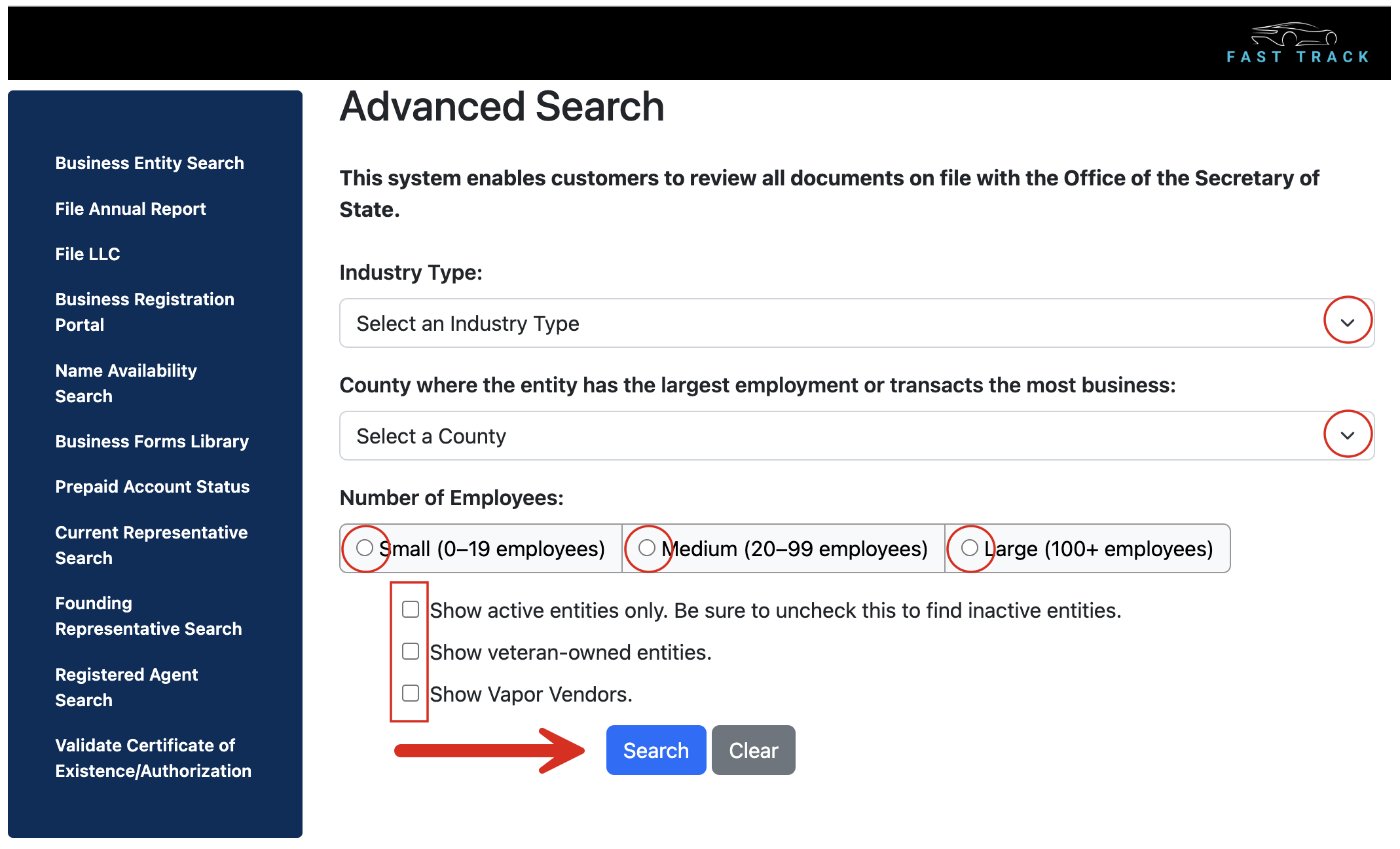
If desired, select the checkbox to view active entities only. Click Search when ready.
3. Review Search Results
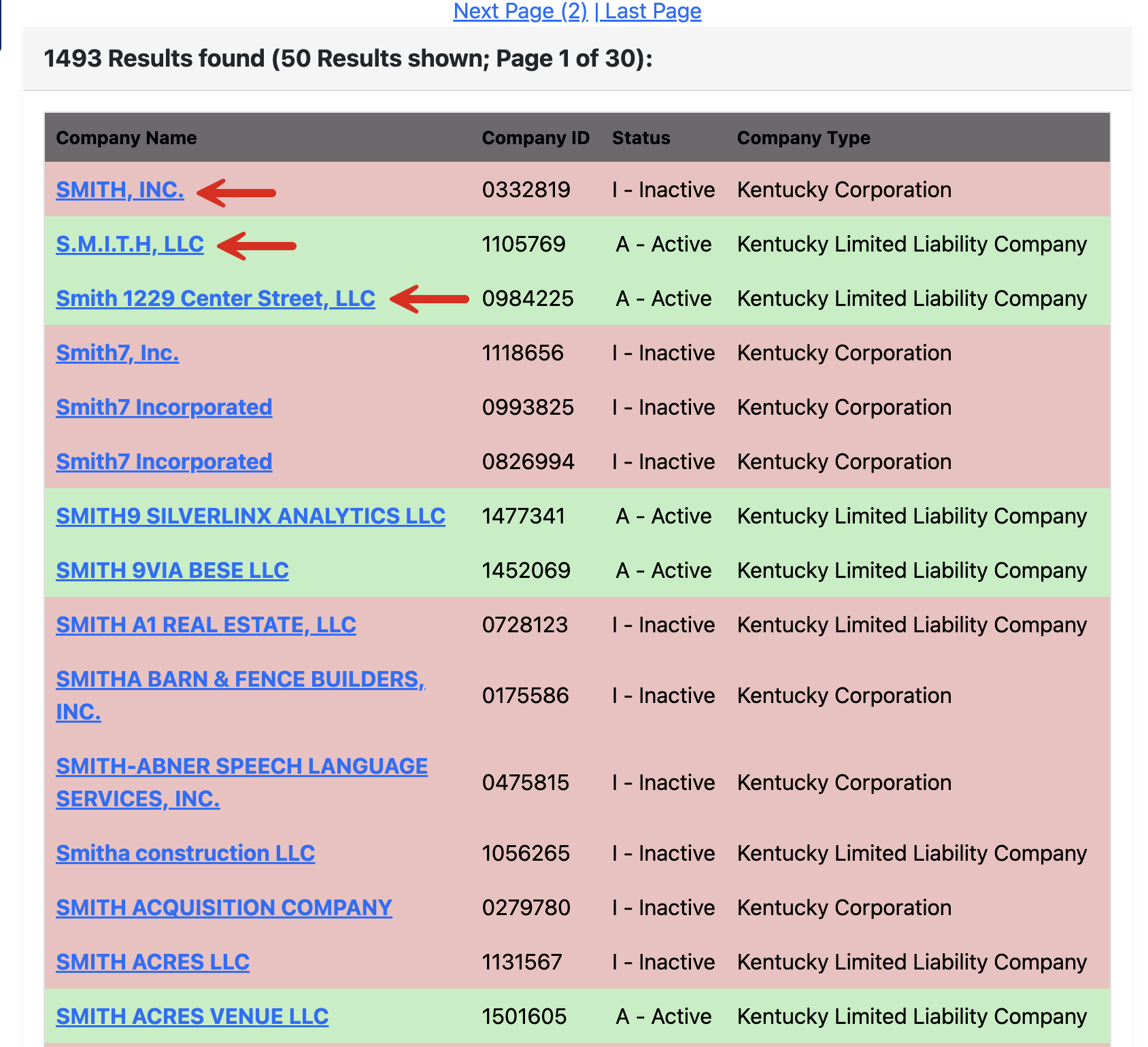
Search results should appear further down the same webpage. Each line will show the Company Name, Company ID, Status, and Company Type.
Clicking on the Company Name link will present more business details.
4. Review Entity Information
On the subsequent webpage, the following information will be made immediately available, listed under General Information:
- Organization ID #
- Name
- Whether for-profit or non-profit
- Company type
- Company industry
- Number of employees (small, medium, or large)
- Primary county
- Status (active or inactive)
- Standing (good or bad)
- Founding state and country
- Filing date
- Founding date
- Date of last annual report
- Principal office address
- Management type
- Name and address of registered agent
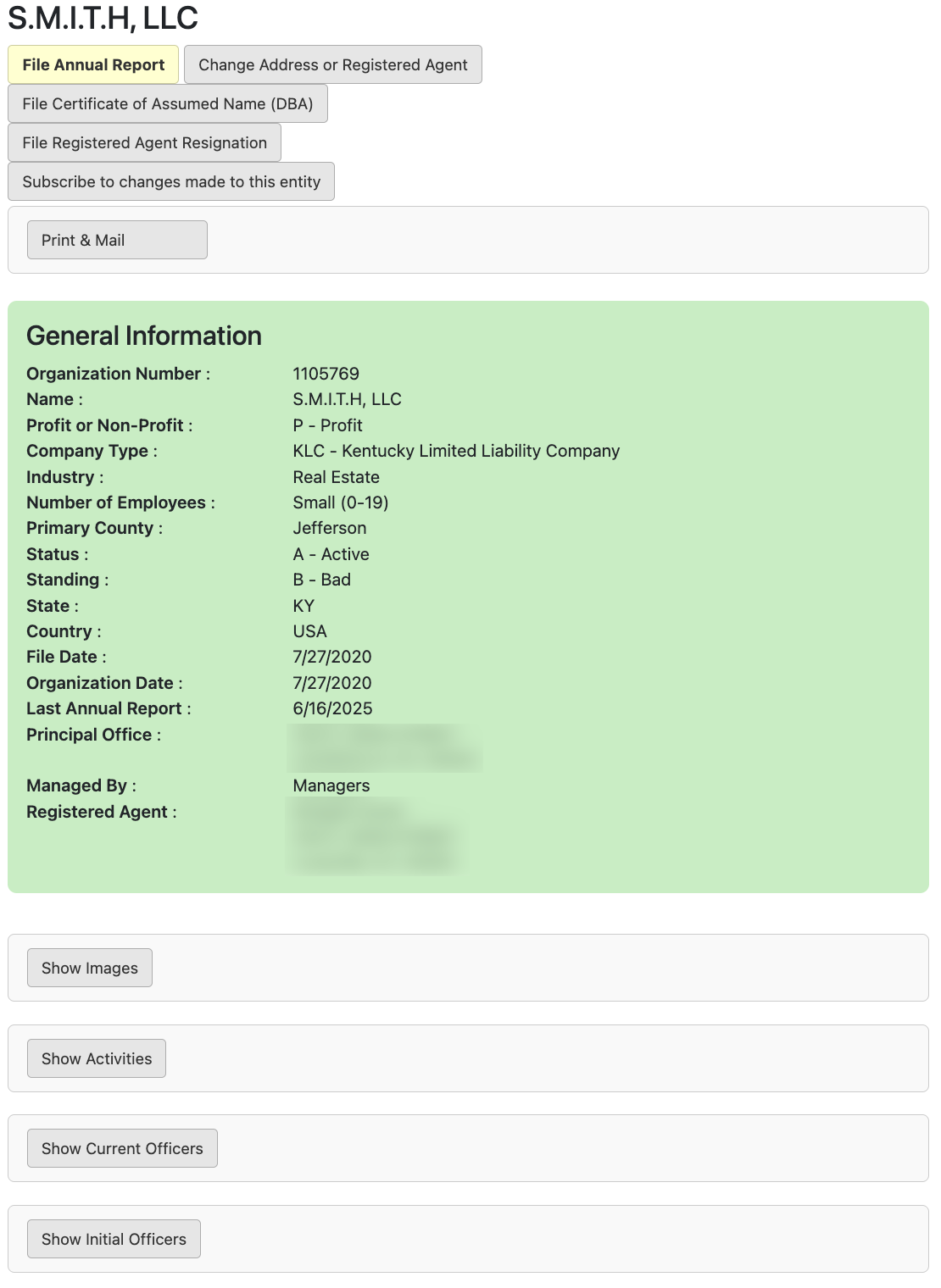
More info can be accessed by clicking the following buttons:
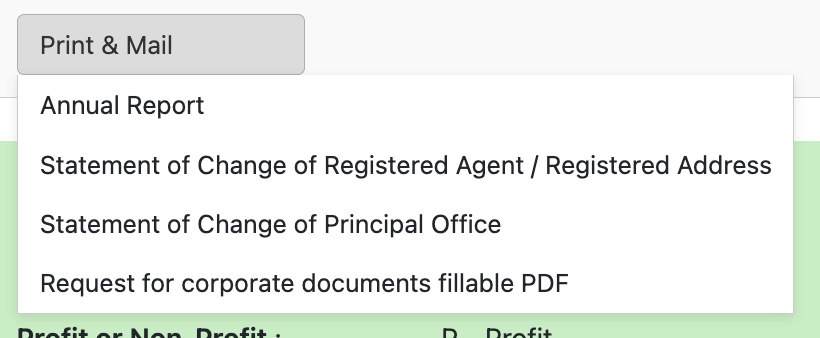
- Print & Mail (see image) – Print out and file listed documents.
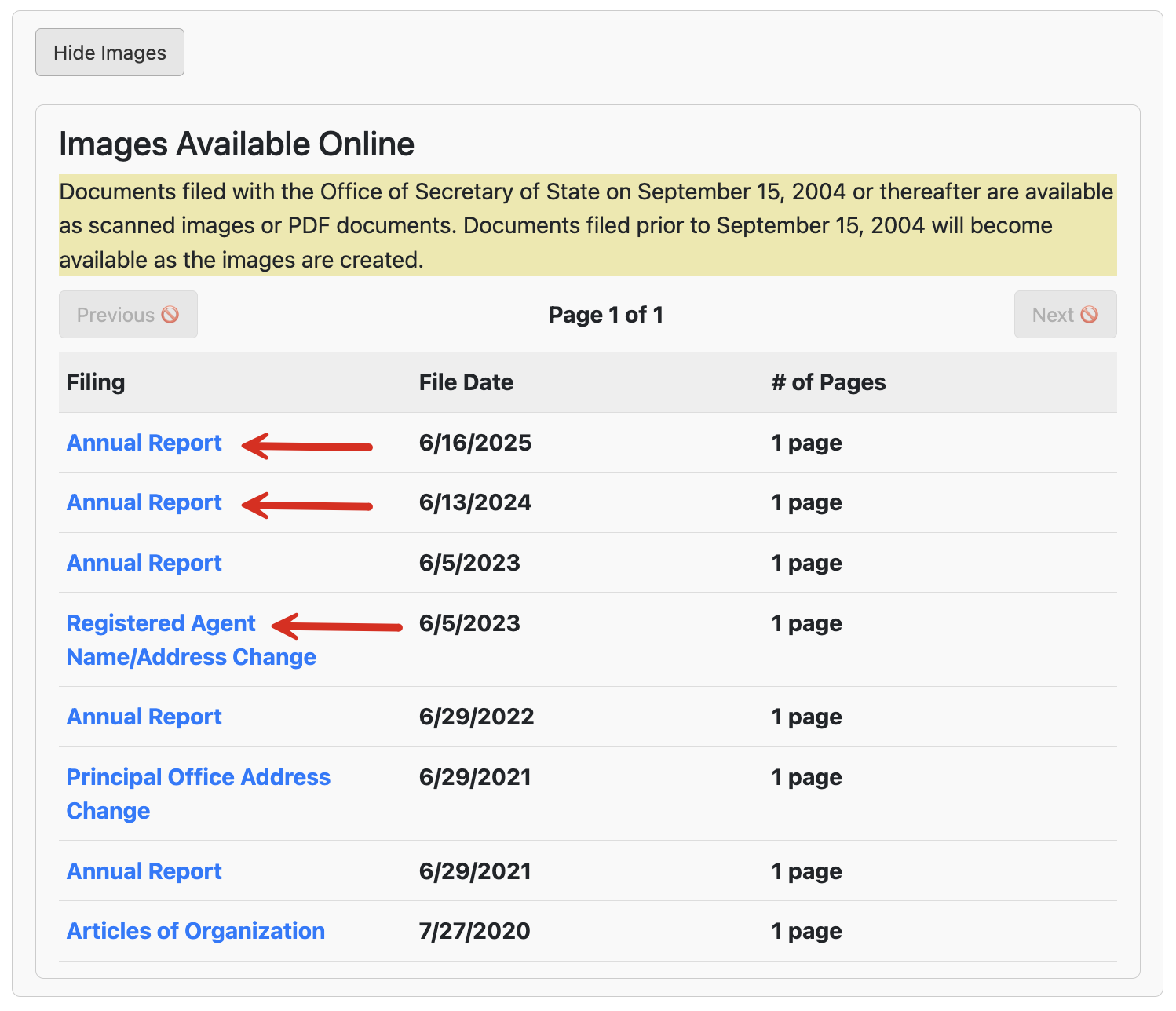
- Show Images (see image) – View scanned documents on file with the SOS.
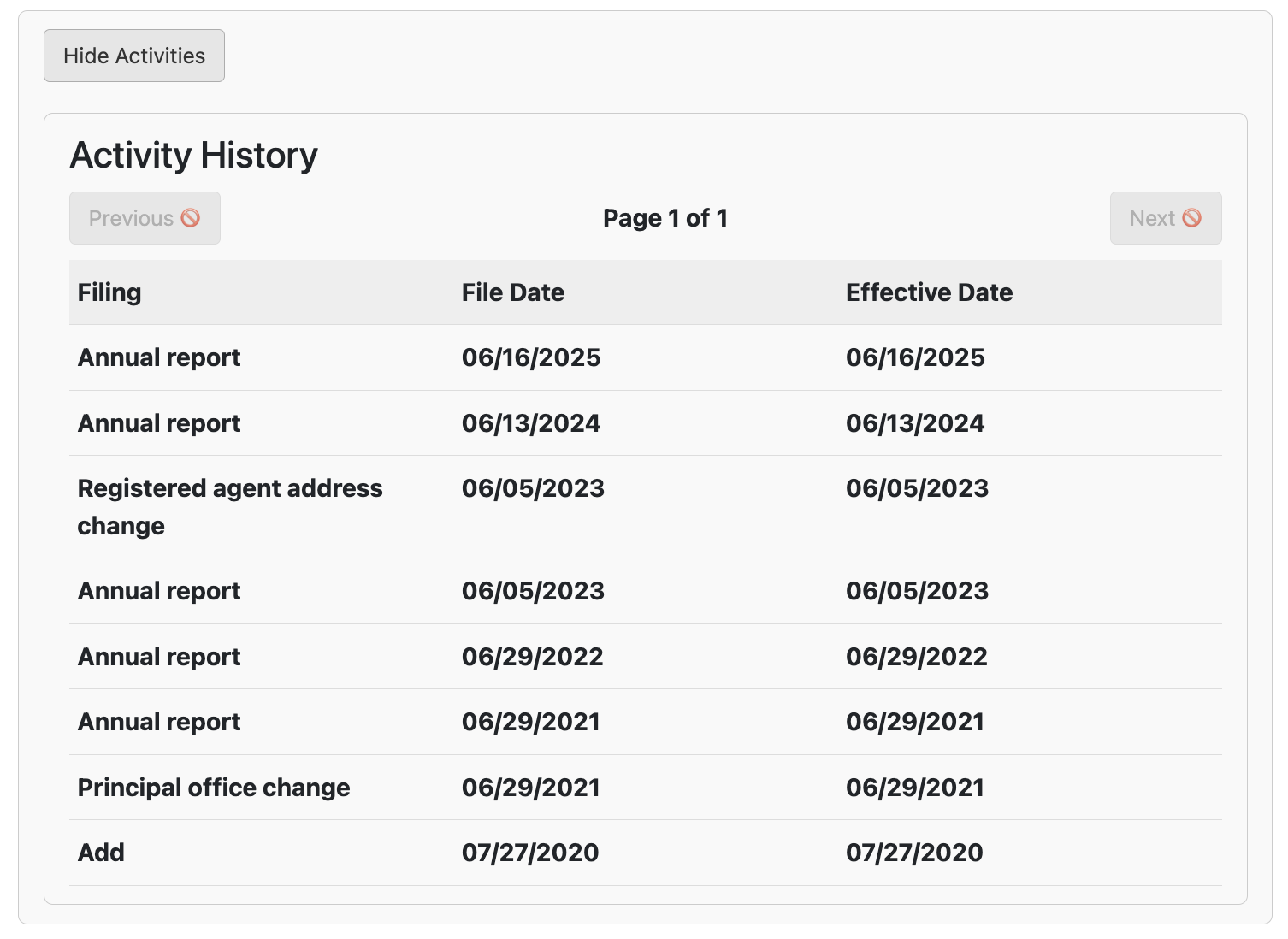
- Show Activities (see image) – See all business activity with the SOS.
- Show Current Officers (see image) – See current corporate/company officers.
- Show Initial Officers (see image) – View the initial officers at registration.