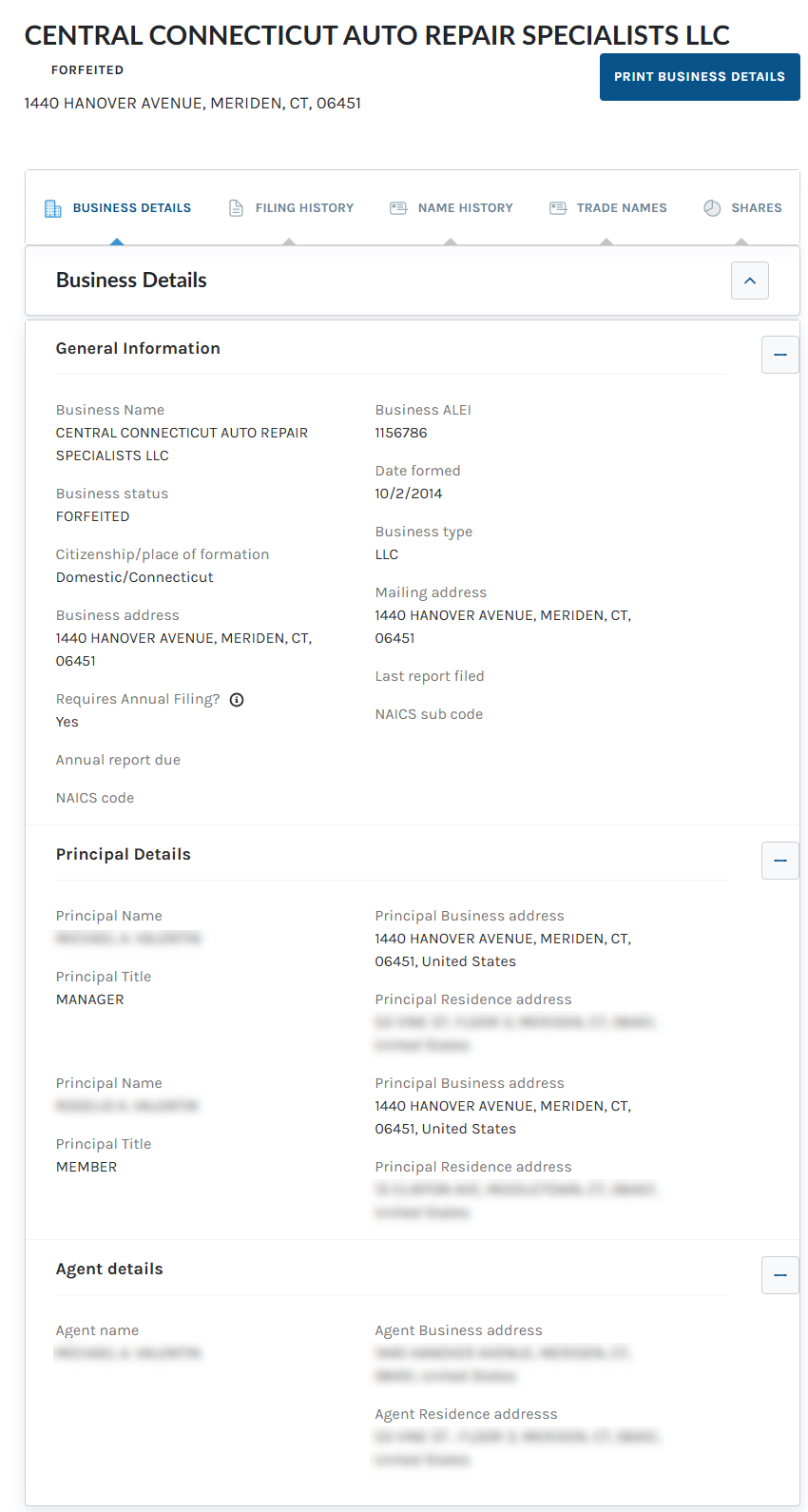
Search Connecticut business entities by inputting the business name, ALEI, or filing number into the official state website. When performing a search, there is an option to search by exact name or broad-based, which retrieves all similarly named Connecticut entities.
Business Entity Search
1. Access the Search Tool
2. Supply Business Details
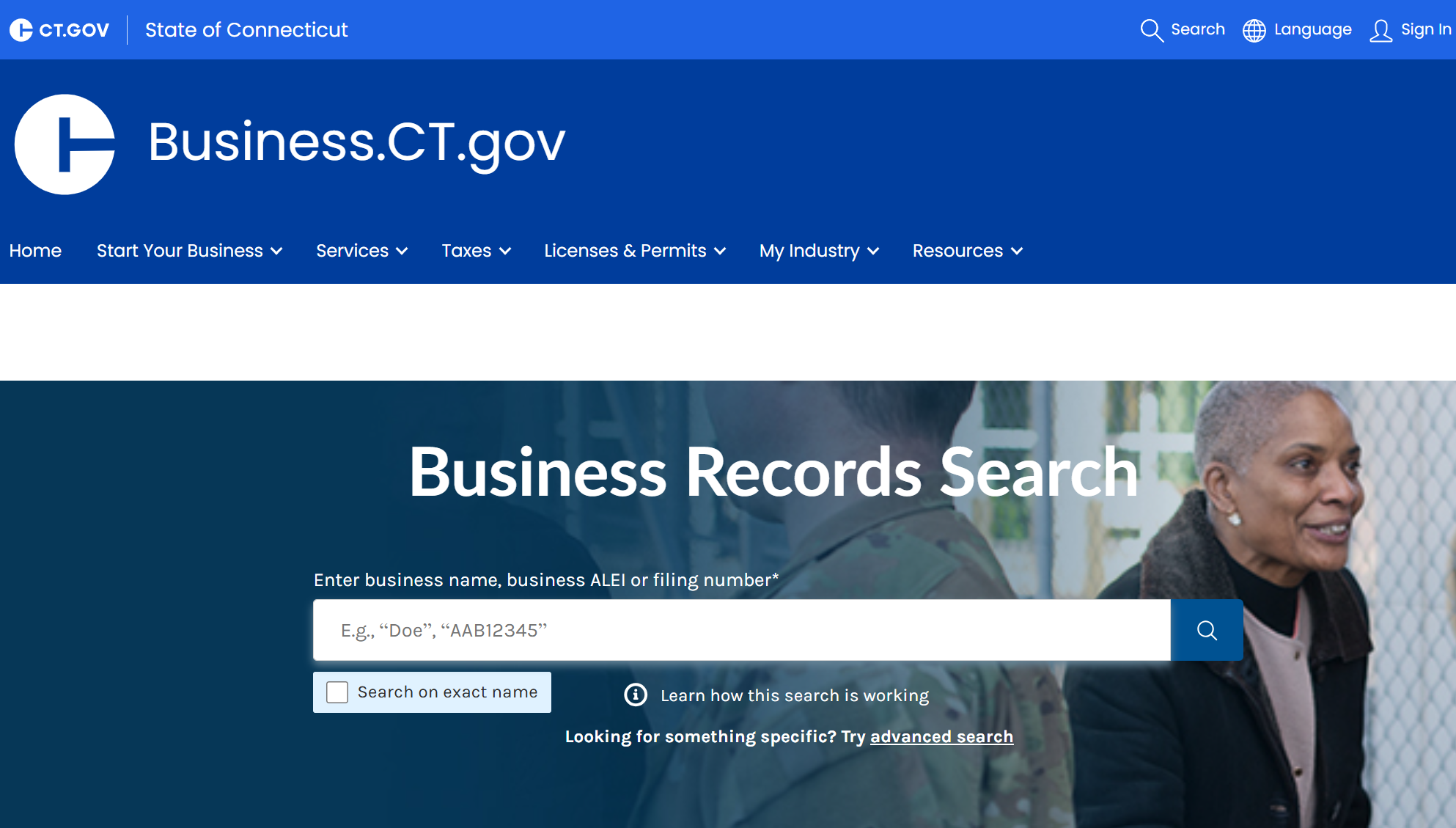
Enter a broad version of the entity name or a keyword to search for companies with similar names. To locate one specific entity, do either of the following:
- Enter the full business name and select Search on exact name (see image).
- Enter the business’s ALEI or filing number.
Select the magnifying glass icon to conduct the business search.
3. Inspect Matching Entities
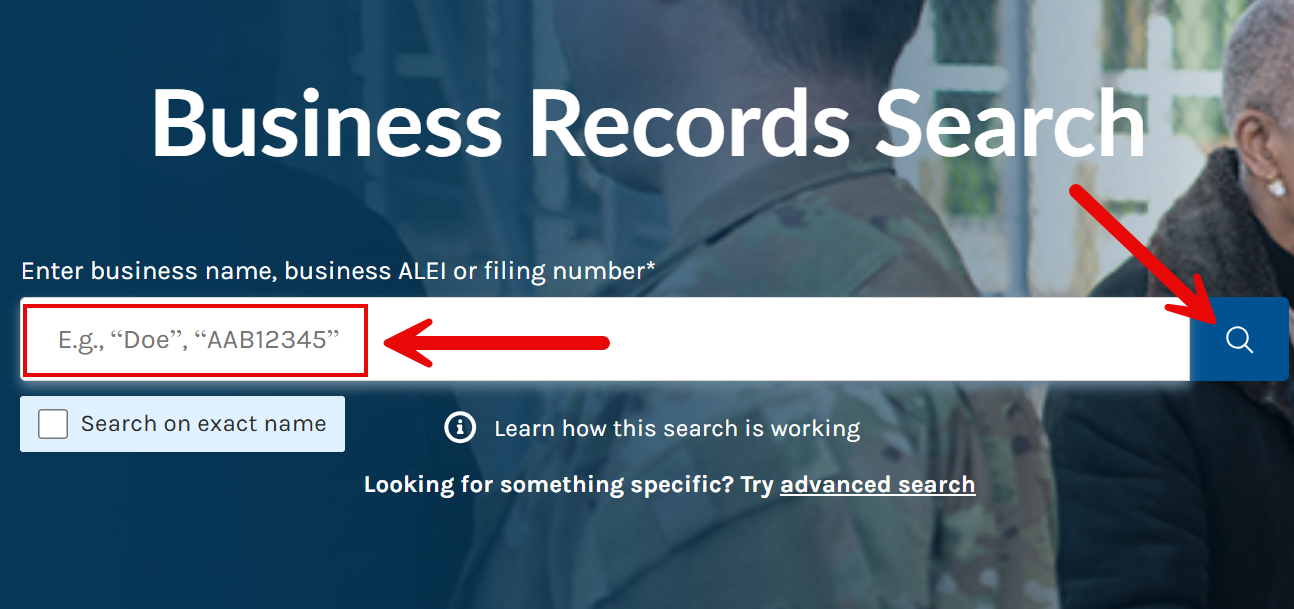
Results from the search will be listed on the next page. The filters on the left can be used to limit the results by date, status, substatus, business type, and entity type (see image).
Select one of the matching entities to access its detailed business report.
Note: If a business name search returns no results, the name may be available for use by a new entity in Connecticut.
4. Review Business Information
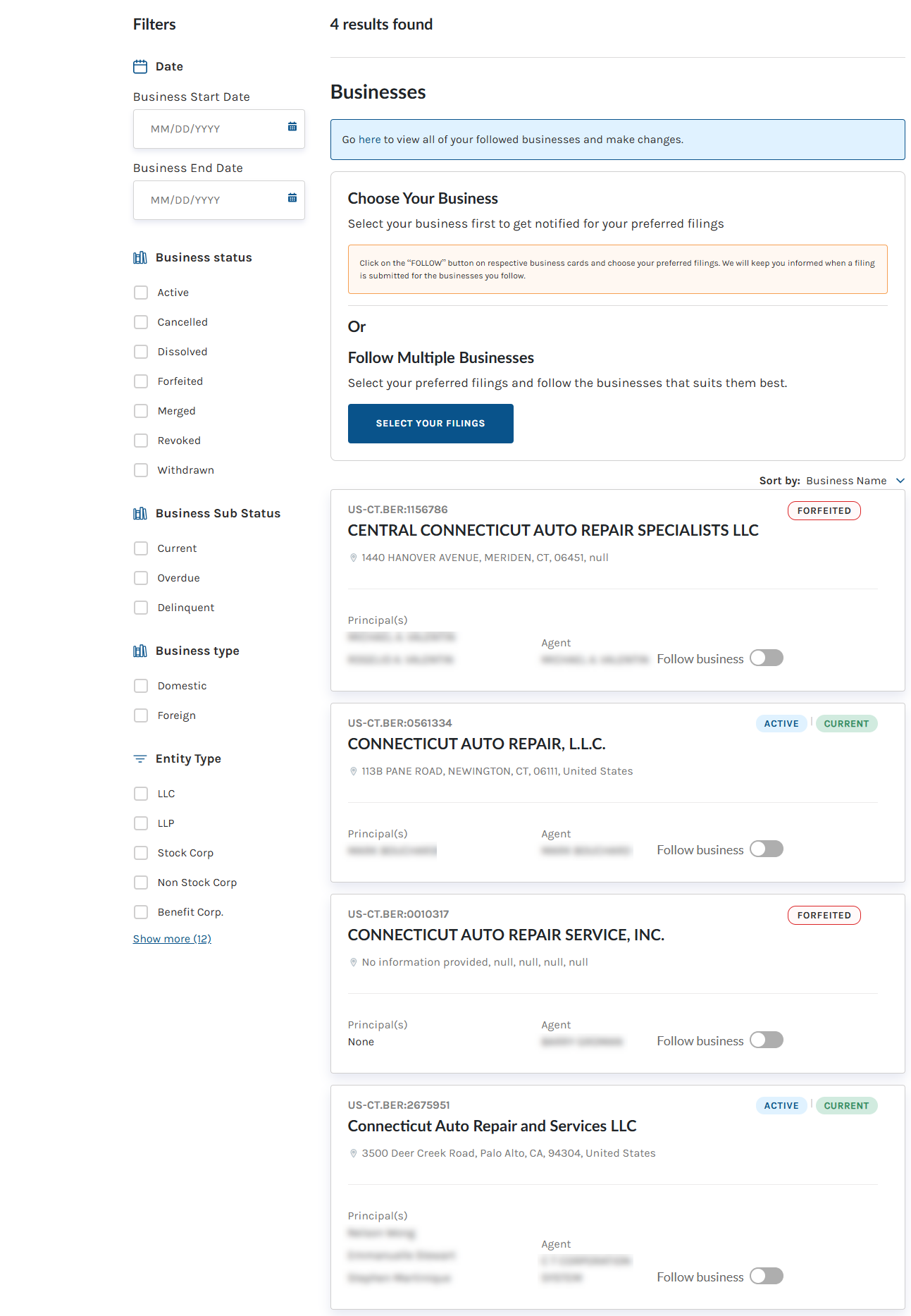
Selecting an entity from the results provides access to a Business Details page with the following information:
- Business name
- Business ALEI
- Business status
- Date formed
- Citizenship/place of formation
- Business type
- Business address
- Business mailing address
- Principal name and title
- Principal business address
- Principal residence address
- Agent name
- Agent business address
- Agent residence address
Other business information, such as the entity’s filing history and name history, can be reviewed by scrolling down the page or clicking one of the tabs (see image).